Booking → Settings → Services
- How to add a standard service
- How to add an hourly service
- How to edit a service
- How to delete a service
How to add a standard service
-
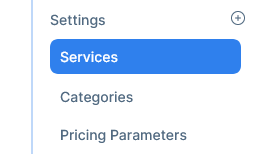
Go to Booking →settings → services
-
Click on New Service

-
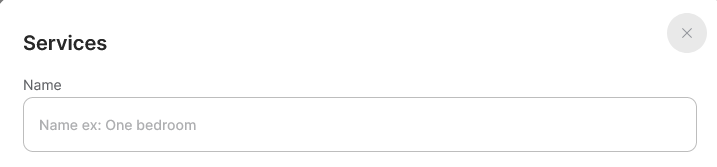
Fill the name service
-
Add a price

-
Mark it as active or inactive

-
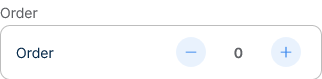
Select the display order
-
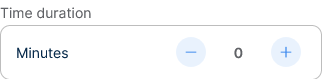
Set the time duration in minutes
-
And click create

How to add an hourly service
-
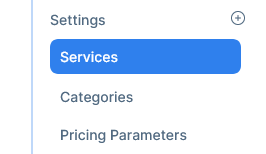
Go to Booking →settings → services
-
Click on New Service
-
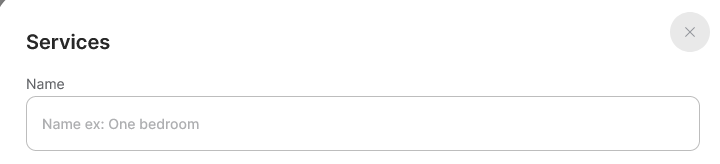
Fill the name service
-
Add a price

-
Mark it as active or inactive

-
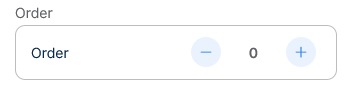
Select the display order
-
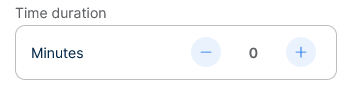
Set the time duration in minutes
-
Switch on the hourly option

-
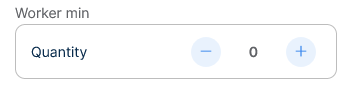
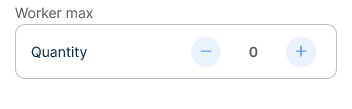
Select the minimum and maximum cleaners this service requires
-
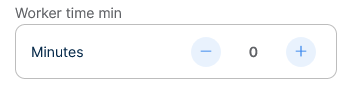
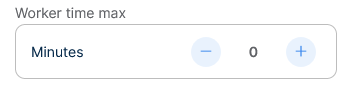
Select the minimum and maximum time in minutes the workers will take to do the job
-
Set or unset the half hour increments for service

-
And click create

How to edit a service
-
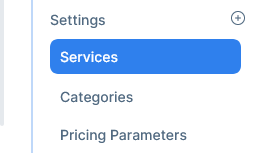
Go to Booking →settings → services
-
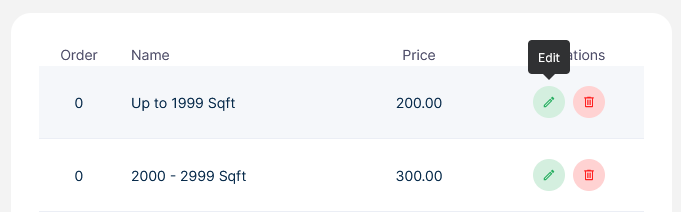
Choose a service and click the edit icon
-
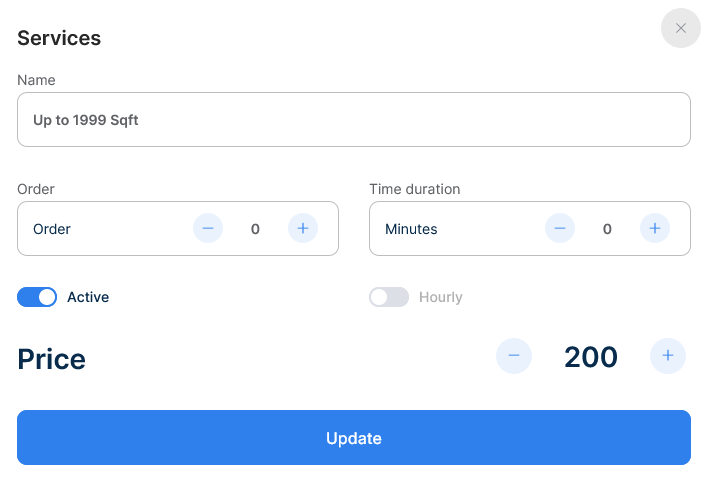
Edit what you must and click update
How to delete a service
-
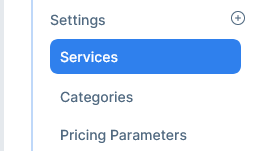
Go to Booking →settings → services
-
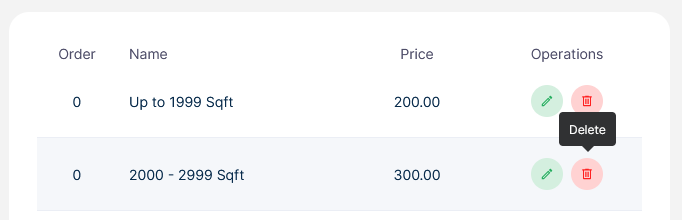
Choose a service and click the delete icon