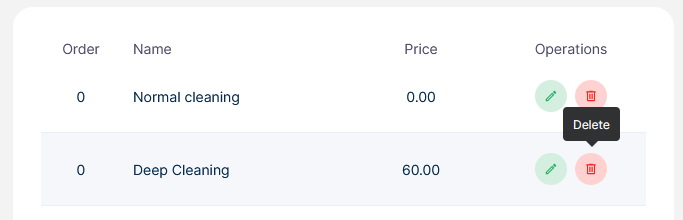
Booking → Settings → Pricing Parameters
How to add a Pricing Parameter
-
Go to Booking →settings → Pricing Parameters
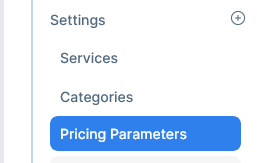
-
Click on New Pricing

-
Give the new parameter a name
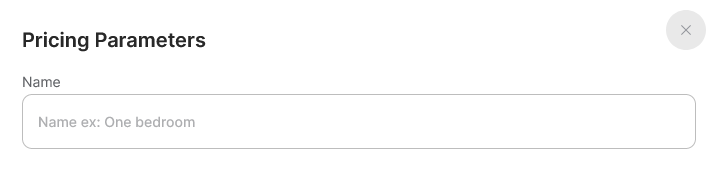
-
Set the price

-
Select the preferred group or leave the default group
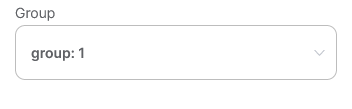
-
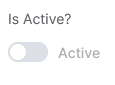
Set it as active or inactive
-
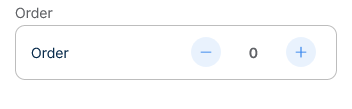
Choose the display order
-
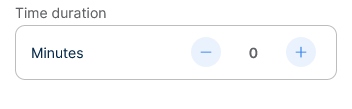
Give it a time duration in minutes
-
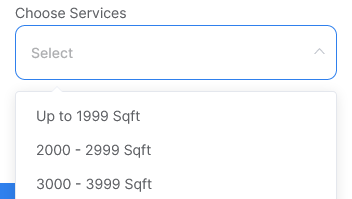
Link this parameter to the corresponding services
-
Click create

How to edit a Pricing Parameter
-
Go to Booking →settings → Pricing Parameters
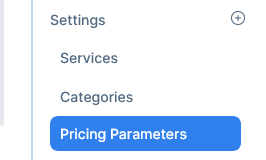
-
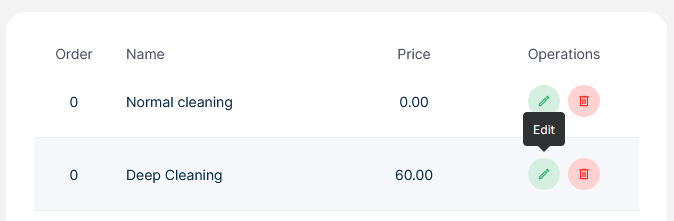
Select a pricing parameter and click on the edit icon
-
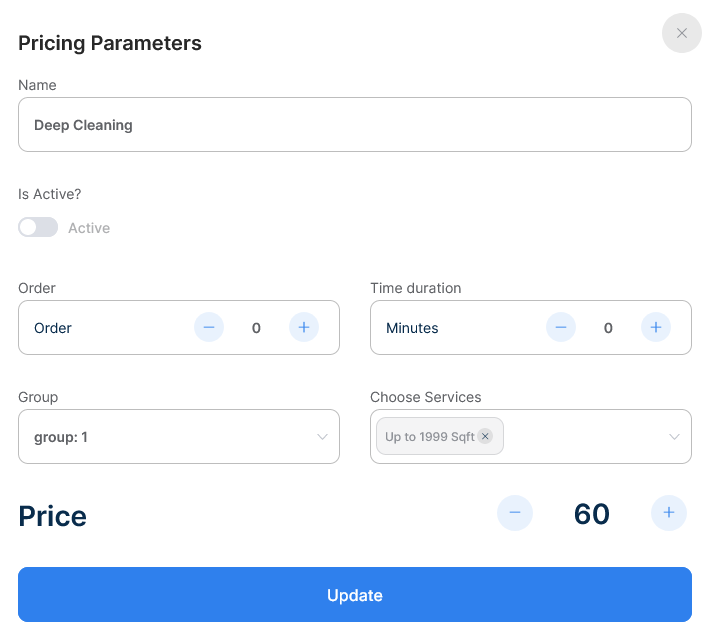
Change what you must and click update
How to delete a Pricing Parameter
-
Go to Booking →settings → Pricing Parameters
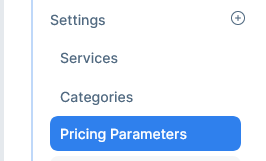
-
Select a pricing parameter and click on the delete icon