Booking → Settings → Notifications
- Manage Company Notifications
- Manage Customers Notifications
- Manage Teams Notifications
- See the account Logs
- How to edit Notifications
Manage Company Notifications
-
Go to Booking → Settings → Notifications
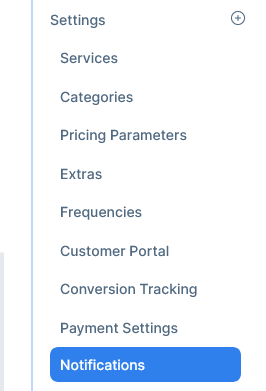
-
The company tab will be selected by default

-
A list with all notifications will appear
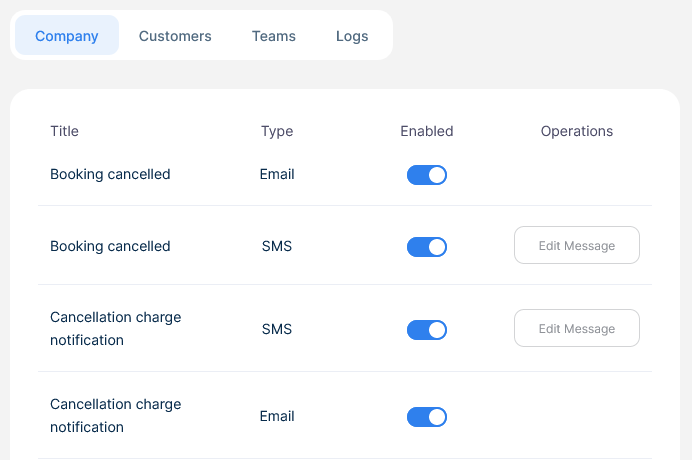
-
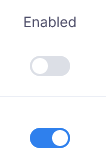
Switch on or off the notification to start or stop receiving them
Manage Customers Notifications
-
Go to Booking → Settings → Notifications
-
Select the Customers tab

-
A list with all notifications will appear
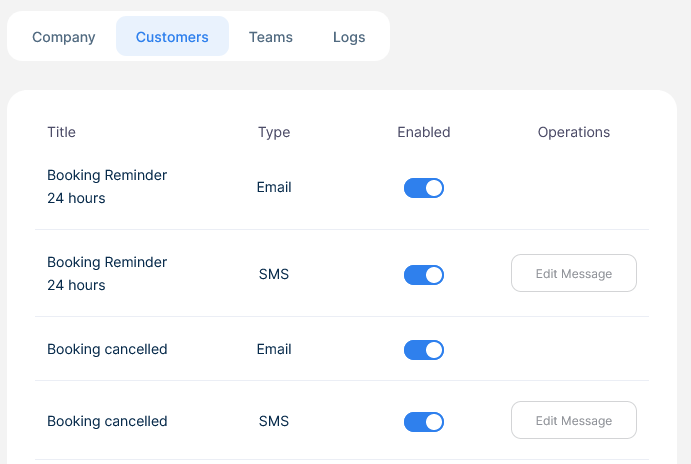
-
Switch on or off the notification to start or stop receiving them
Manage Teams Notifications
-
Go to Booking → Settings → Notifications
-
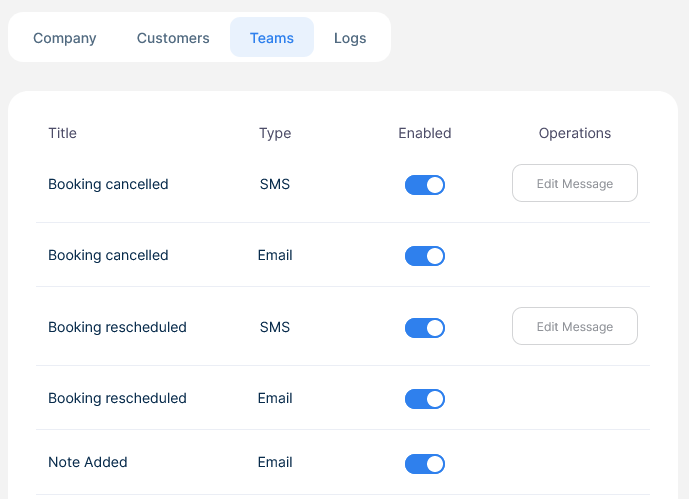
Select the Teams tab

-
A list with all notifications will appear
-
Switch on or off the notification to start or stop receiving them
See the account Logs
-
Go to Booking → Settings → Notifications
-
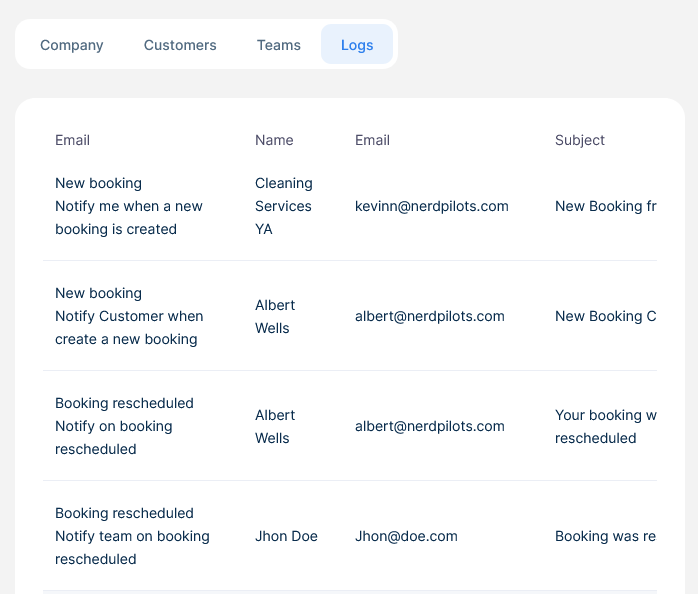
Select the Teams tab

-
A list with the most relevant events in your account will be displayed
How to edit Notifications
-
Go to Booking → Settings → Notifications
-
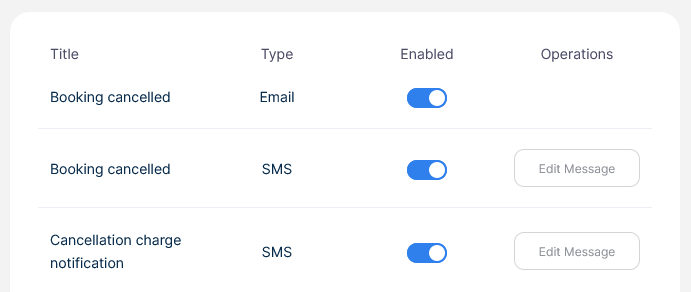
When browsing any of the tabs, you'll see a column named "Operations" to the right
-
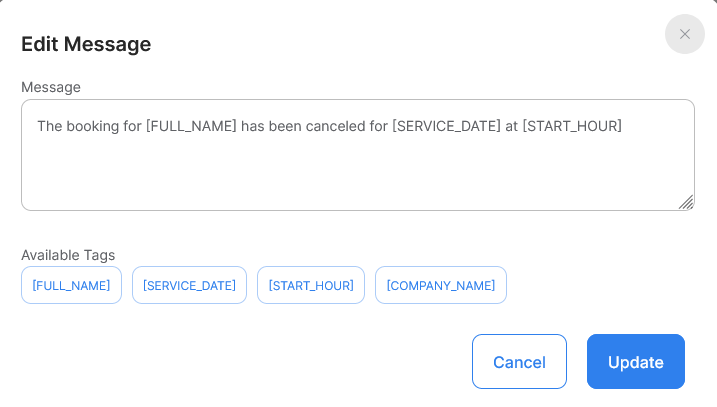
Click the button "Edit message", a popup will appear
-
The current message will appear, edit the message and add tags to personalize the message even more

-
When done click update
